Opens in a new tab

Add a table of contents to long pages

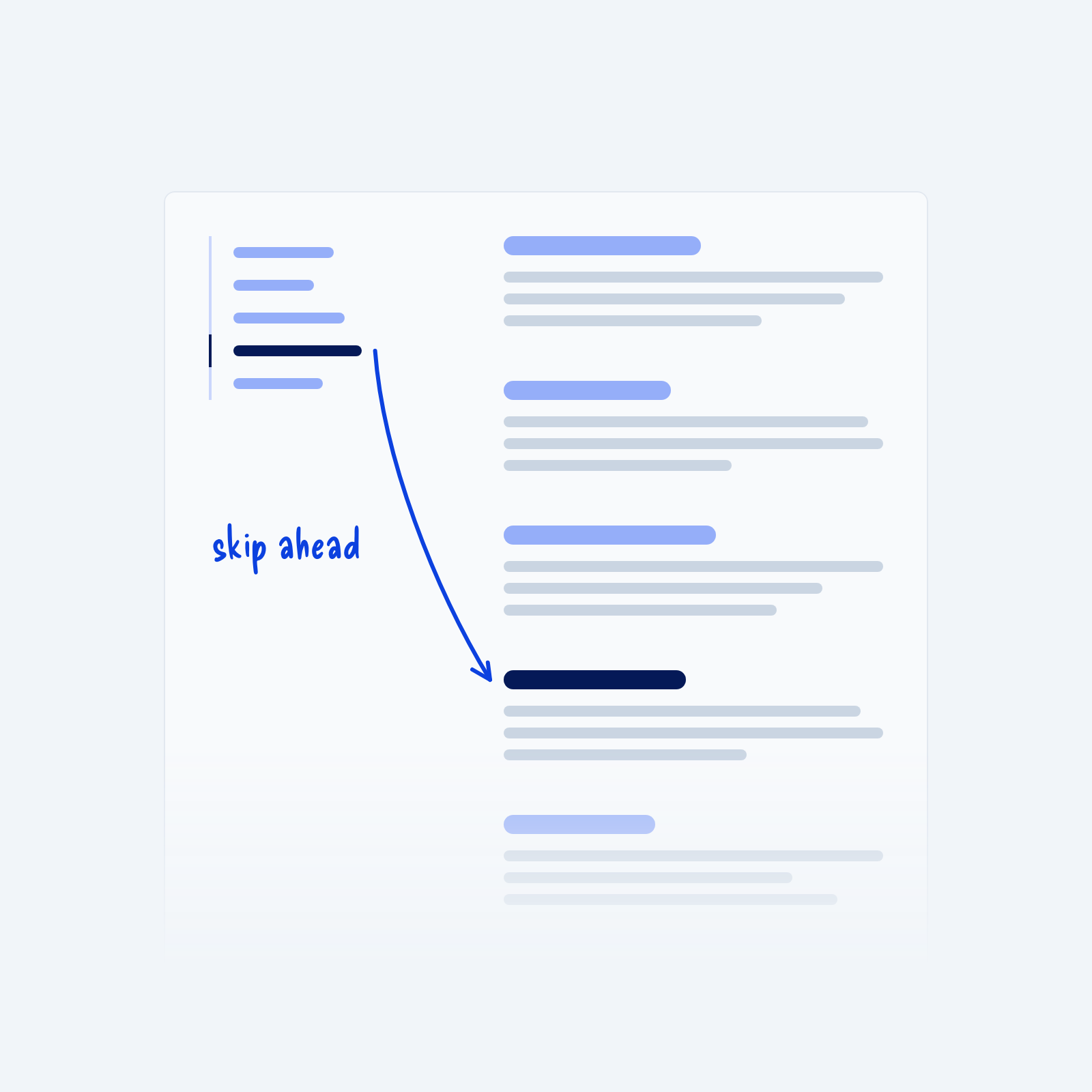
A long article with a table of contents on the left. An arrow runs from one highlighted link to its matching section further down the page, labeled skip ahead.

Long pages, like guides, documentation and policies, are hard to move around by scrolling alone. Readers often need to find one specific part, and they don’t know how far down it is.

A table of contents at the top of the page, or one that stays in view at the side on wide screens, helps with this. List each main section as a link, so readers can jump straight to what they’re looking for.

Get Free Design Lessons Every Monday Morning

Get Free Design Lessons Every Monday Morning

Three short lessons each Monday on a single design topic. They're written in plain language and give you ideas to use on your next site.

You're in!

Check your inbox for your first email.
Close