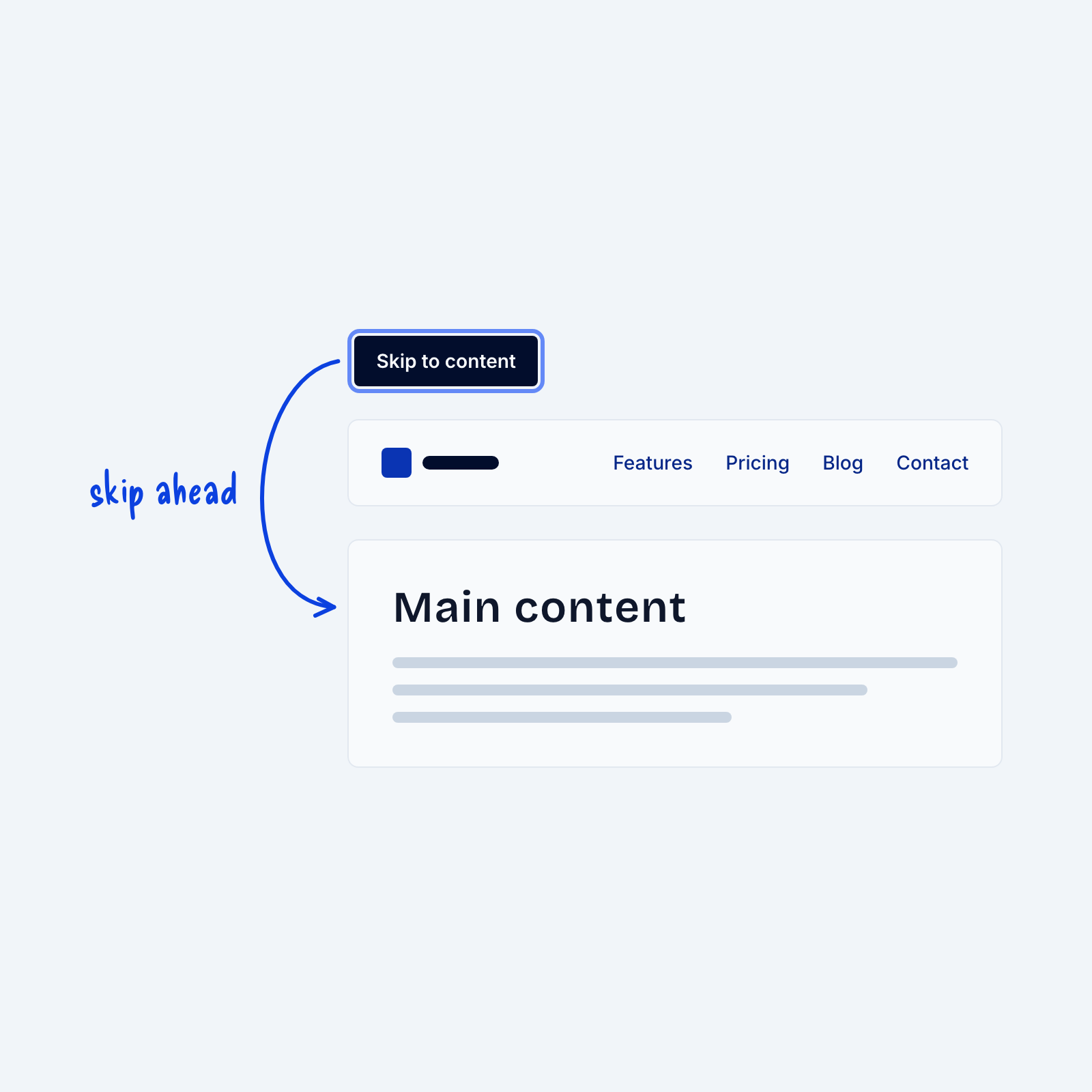
People who use a keyboard move through a page by pressing Tab, one link at a time. Without a shortcut, they have to press Tab past every link in the header, on every page, before they reach the main content.
A “Skip to content” link solves this. It’s the first link on the page, hidden until someone presses Tab, and it jumps straight to the main content when selected. It only takes one link and a few lines of CSS to add, and it can save keyboard users dozens of key presses on every page.