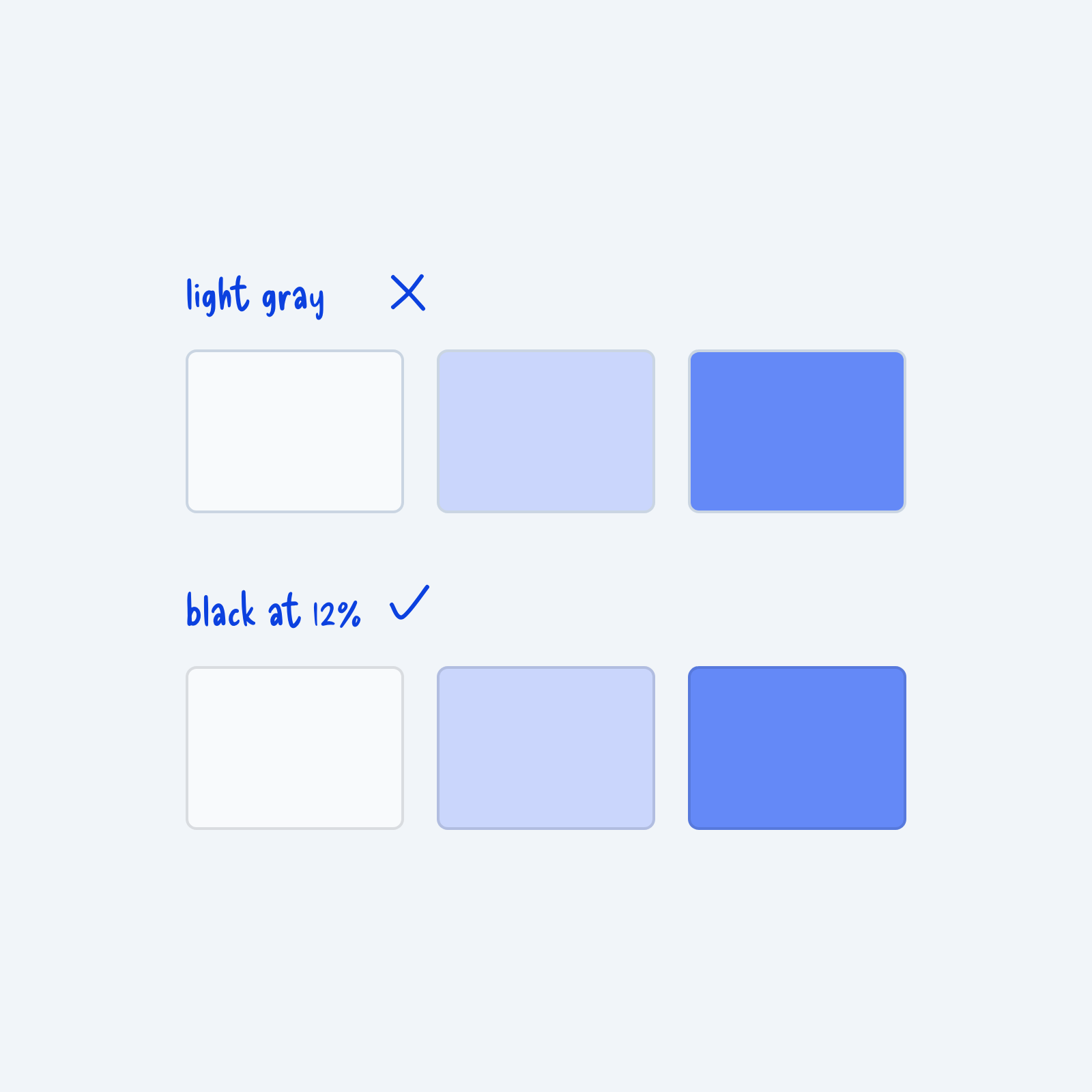
A simple trick I learned when designing borders is to use black at 10 to 15% opacity instead of light gray.
It blends in with whatever background color your element has, and it works better in most cases.
By doing this, you only need one border color token instead of a different one for each component.
If you update the color of a component in the future, the border still blends in.
Just remember to use white at a low opacity for borders in dark mode.