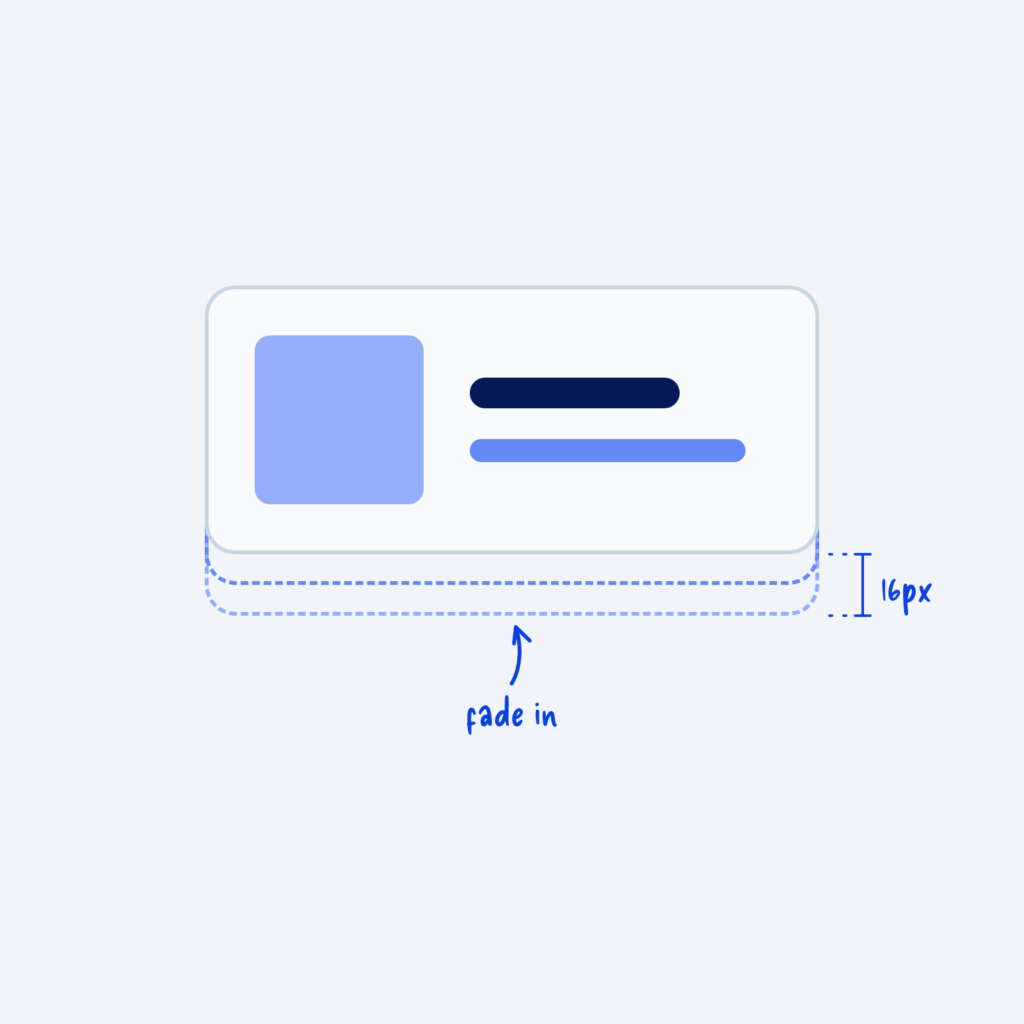
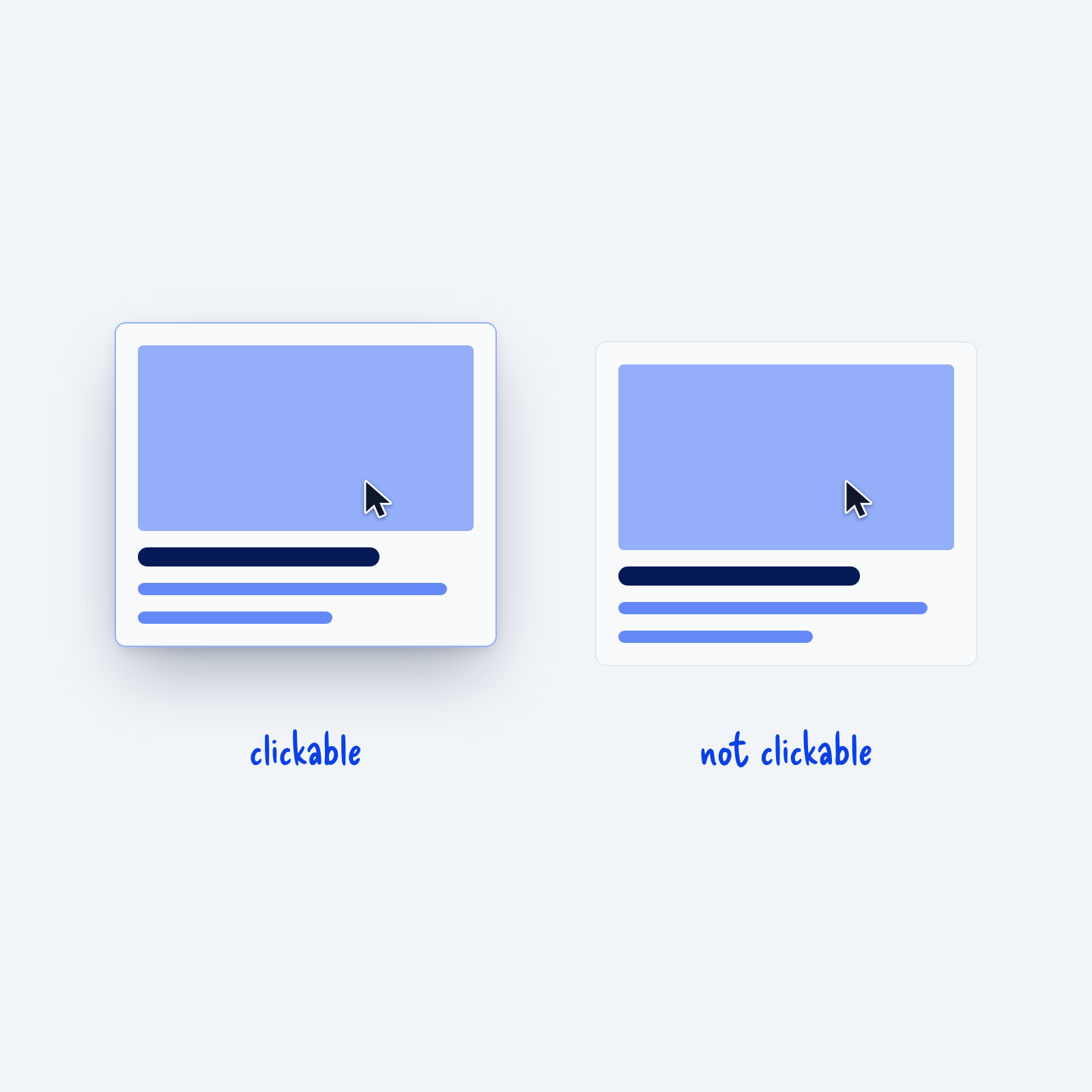
Hover interactions are the key way you tell visitors that an element is clickable. People have learned it from years of using the web, so when a card lifts or changes color under the cursor, they expect it to link somewhere.
That’s why hover effects on cards or images that don’t link anywhere can cause confusion, especially if nothing else about the design changes. People click, and when nothing happens, they may wonder if the site is broken. Keep hover changes for links, buttons and other elements that actually do something. When a card does have a hover effect, it also helps to make the whole card clickable, so people don’t have to aim for a small link inside it.
As a caveat sometimes text reveals or info popups can work on hover, but often they should still be clickable to lock that reveal into place.