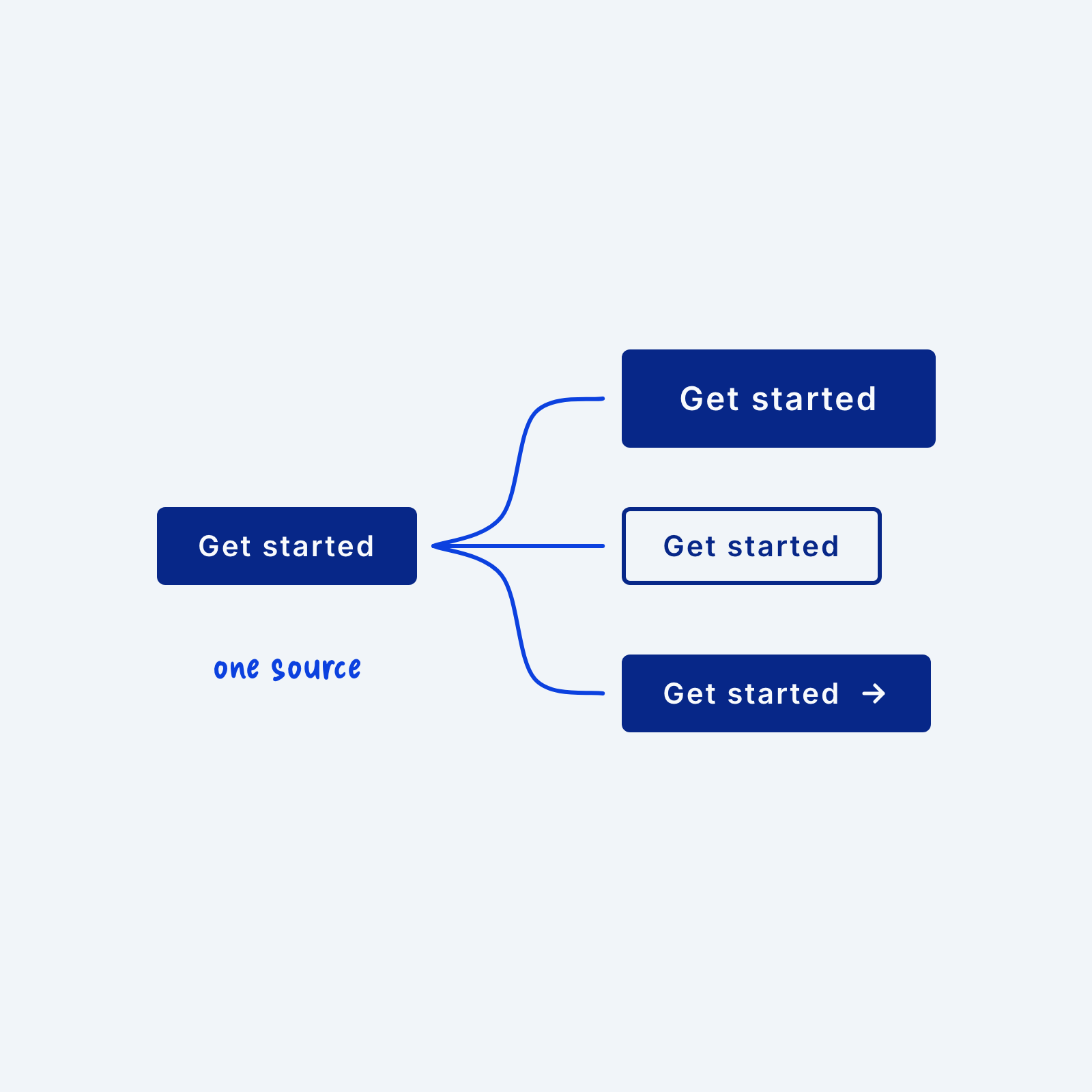
A button often needs to appear in a few forms, like a large version for the hero section, an outlined version for secondary actions or a version with an icon. It’s tempting to build each one as a separate button. The trouble starts when you want to change something they share, like the font or the corner radius, and have to update every copy by hand.
Build those forms as variants of one button component. The base button holds everything they share, and each variant changes only what’s different, like the size or the fill. When you update the base, every variant updates with it. For example, this can be a global class for the base button plus a small modifier class for each variant, like btn--large or btn--outline.